Year 10 (ages 14–15, Grade 9 in the US) · Computing · GCSE theory · Lesson 17
Utility software, open source and proprietary software
Utility software that maintains a computer — encryption, defragmentation, compression, backup and anti-malware — plus the differences between open-source and proprietary software and their benefits and drawbacks.
Exam boards: this lesson matches the AQA and Pearson Edexcel GCSE computing courses. Check which course your school follows.
8-minute video lesson
Teaching, worked examples and 20 practice questions solved step by step.
Watch free for a monthWhat your child will learn
- Describe common utility software
- Explain defragmentation
- Compare full and incremental backups
- Compare open-source and proprietary software
The method
- Utility: maintains or protects the computer.
- Defrag: rearranges file pieces on an HDD.
- Backup: full or incremental.
- Licences: open source vs proprietary.
Key words: utility software, defragmentation, backup, open source, proprietary.
Worked examples
Worked examples from the lesson, with every step.
Question 1
Explain why defragmentation speeds up an HDD.
- Step 1: Fragments scattered; head moves more.
- Step 2: Fragments placed together; fewer movements.
Answer: files are stored in one place, so they're read faster
Question 2
Compare full and incremental backups.
- Step 1: Everything; slow; most space; simple to restore.
- Step 2: Changes only; fast; less space; slower to restore.
Answer: full: complete but slow; incremental: quick but complex restore
Question 3
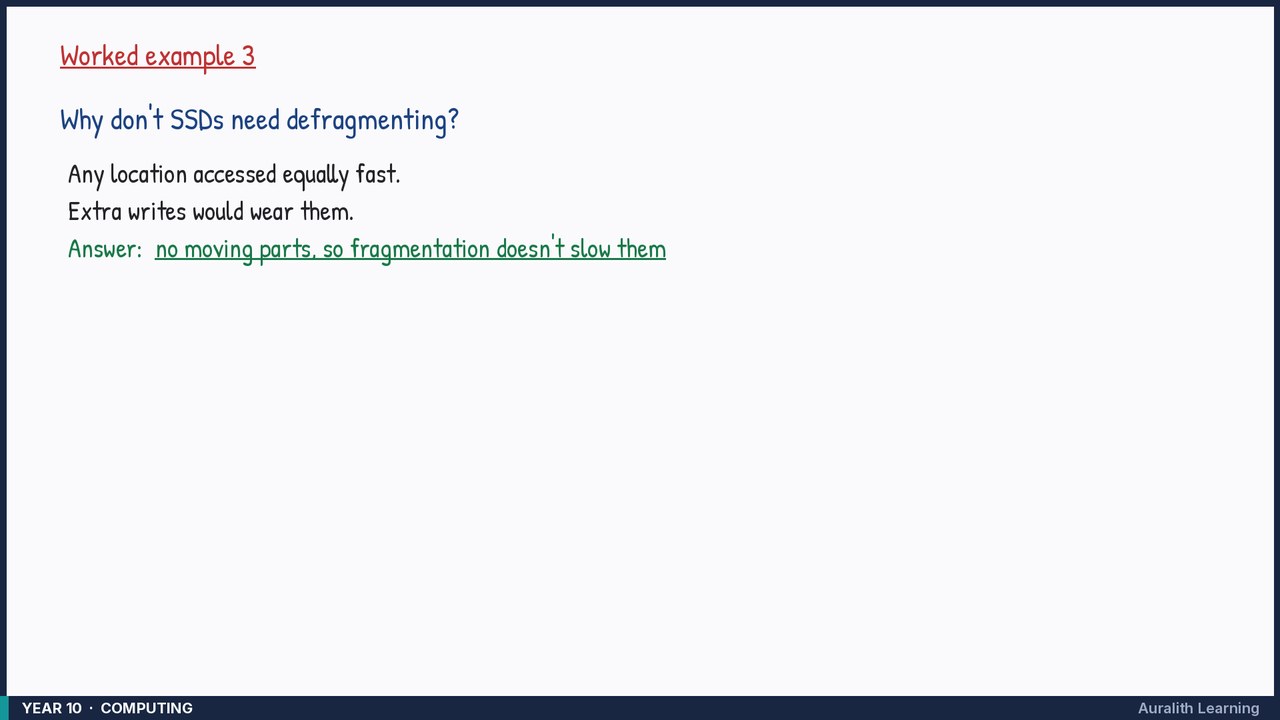
Why don't SSDs need defragmenting?
- Step 1: Any location accessed equally fast.
- Step 2: Extra writes would wear them.
Answer: no moving parts, so fragmentation doesn't slow them