Year 10 (ages 14–15, Grade 9 in the US) · Computing · GCSE theory · Lesson 6
Compression
Why files are compressed, the difference between lossy and lossless compression, when to use each, and how run-length encoding works.
Exam boards: this lesson matches the AQA and Pearson Edexcel GCSE computing courses. Check which course your school follows.
8-minute video lesson
Teaching, worked examples and 20 practice questions solved step by step.
Watch free for a monthWhat your child will learn
- Explain why compression is needed
- Compare lossy and lossless compression
- Choose a suitable method
- Apply run-length encoding
The method
- Compression reduces file size.
- Lossy: removes data permanently — smaller, lower quality.
- Lossless: no data lost — original rebuilt exactly.
- RLE: store each run as (count, value).
Key words: compression, lossy, lossless, run-length encoding, bandwidth.
Worked examples
Worked examples from the lesson, with every step.
Question 1
Lossy or lossless for a novel's text file?
- Step 1: Every character must be exact.
- Step 2: Lossless.
Answer: lossless
Question 2
Lossy or lossless for photos on a website?
- Step 1: Fast loading; small quality loss acceptable.
- Step 2: Lossy.
Answer: lossy
Question 3
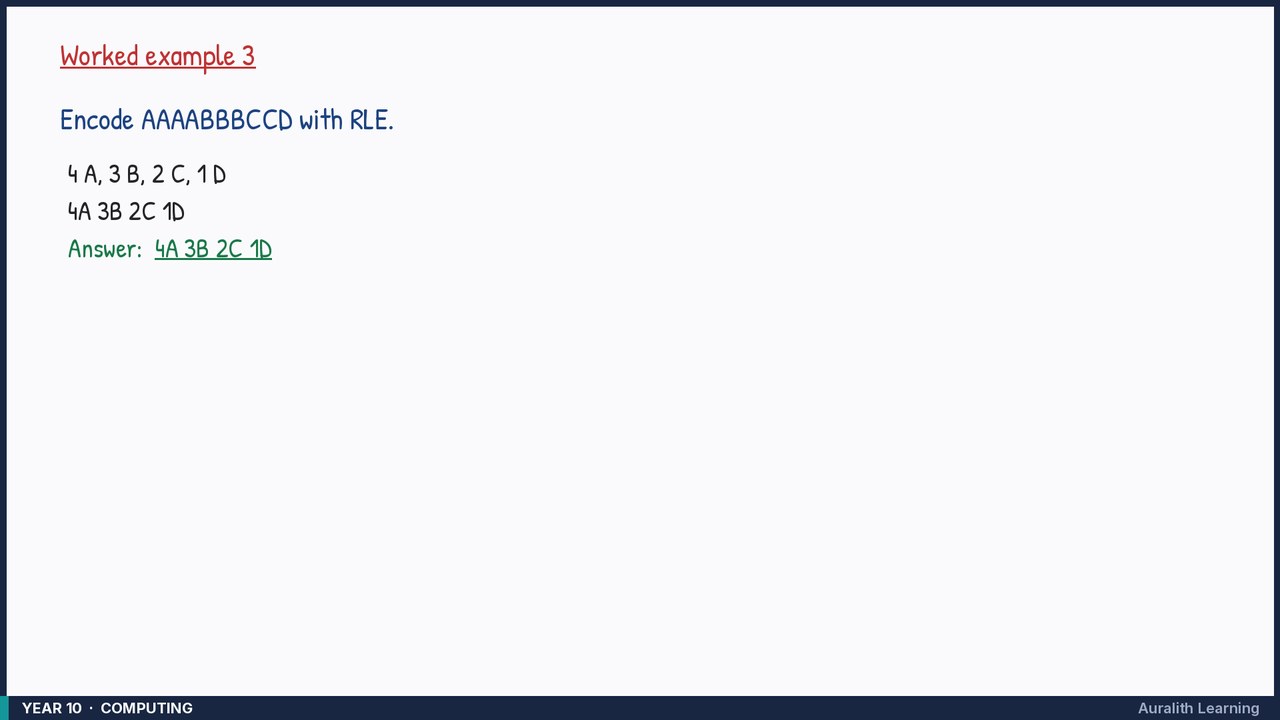
Encode AAAABBBCCD with RLE.
- Step 1: 4 A, 3 B, 2 C, 1 D
- Step 2: 4A 3B 2C 1D
Answer: 4A 3B 2C 1D