Year 10 (ages 14–15, Grade 9 in the US) · Computing · GCSE theory · Lesson 12
Network hardware and topologies
The hardware needed to build a network — network interface controllers, switches, routers, wireless access points and transmission media — and the star and mesh topologies with their advantages and disadvantages.
Exam boards: this lesson matches the AQA and Pearson Edexcel GCSE computing courses. Check which course your school follows.
8-minute video lesson
Teaching, worked examples and 20 practice questions solved step by step.
Watch free for a monthWhat your child will learn
- Describe the role of each network device
- Compare transmission media
- Describe star and mesh topologies
- Evaluate topologies
The method
- NIC: connects a device to a network.
- Switch: sends data to the correct device on a LAN.
- Router: sends data between networks.
- Topology: star (central switch) or mesh (many links).
Key words: NIC, switch, router, star topology, mesh topology.
Worked examples
Worked examples from the lesson, with every step.
Question 1
What is the difference between a switch and a router?
- Step 1: Within a LAN, by MAC address.
- Step 2: Between networks, by IP address.
Answer: switch: within a LAN; router: between networks
Question 2
Why use fibre optic between two buildings far apart?
- Step 1: Works over long distances.
- Step 2: Very high bandwidth.
Answer: long distance and high speed
Question 3
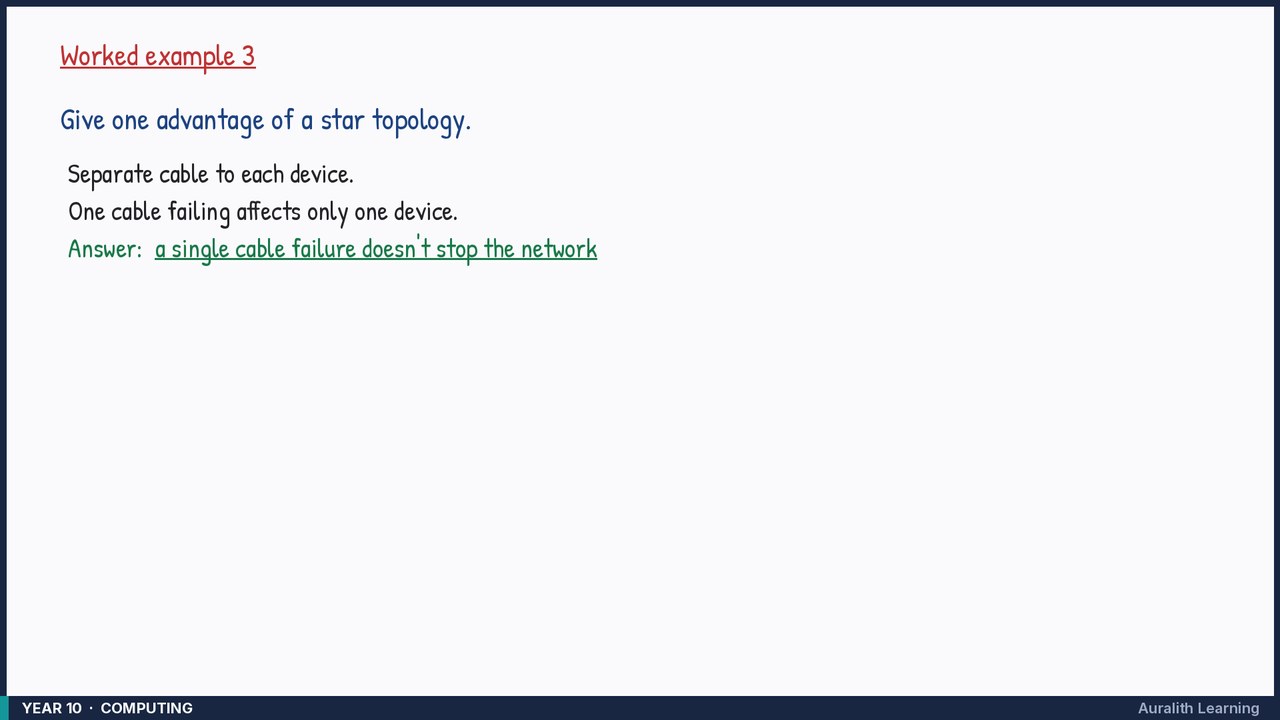
Give one advantage of a star topology.
- Step 1: Separate cable to each device.
- Step 2: One cable failing affects only one device.
Answer: a single cable failure doesn't stop the network