Year 10 (ages 14–15, Grade 9 in the US) · Computing · GCSE theory · Lesson 10
Secondary storage
Why secondary storage is needed, how magnetic, optical and solid-state storage work, and how to choose storage using capacity, speed, portability, durability, reliability and cost.
Exam boards: this lesson matches the AQA and Pearson Edexcel GCSE computing courses. Check which course your school follows.
8-minute video lesson
Teaching, worked examples and 20 practice questions solved step by step.
Watch free for a monthWhat your child will learn
- Explain the need for secondary storage
- Describe magnetic, optical and solid-state storage
- Compare storage using key characteristics
- Recommend storage for a scenario
The method
- Secondary storage: non-volatile, long-term.
- Three types: magnetic, optical, solid state.
- Compare: capacity, speed, portability, durability, reliability, cost.
- Recommend: match characteristics to the scenario.
Key words: secondary storage, magnetic, optical, solid state, durability.
Worked examples
Worked examples from the lesson, with every step.
Question 1
Why does a computer need secondary storage?
- Step 1: RAM is volatile.
- Step 2: Files must be kept long-term.
Answer: to keep data permanently when power is off
Question 2
Recommend storage for a laptop. Explain.
- Step 1: Solid state (SSD).
- Step 2: Durable if moved, fast, light, low power.
Answer: SSD — durable, fast, light, low power
Question 3
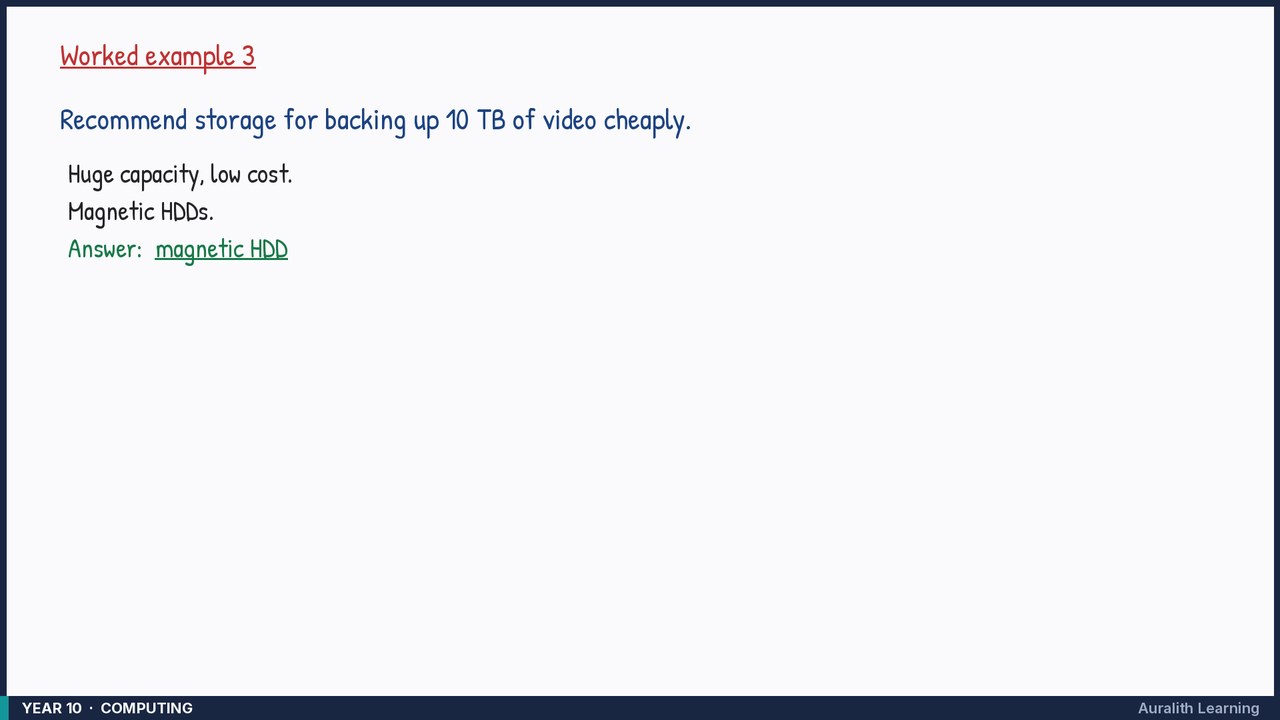
Recommend storage for backing up 10 TB of video cheaply.
- Step 1: Huge capacity, low cost.
- Step 2: Magnetic HDDs.
Answer: magnetic HDD