Year 10 (ages 14–15, Grade 9 in the US) · Computing · GCSE theory · Lesson 4
Units of data and character sets
Units of data from bit to petabyte, converting between units, calculating storage needs, and how characters are represented using ASCII and Unicode.
Exam boards: this lesson matches the AQA and Pearson Edexcel GCSE computing courses. Check which course your school follows.
8-minute video lesson
Teaching, worked examples and 20 practice questions solved step by step.
Watch free for a monthWhat your child will learn
- Order the units of data
- Convert between units
- Explain how character sets work
- Compare ASCII and Unicode
The method
- Bit → nibble (4) → byte (8 bits) → KB (1000 bytes) → MB → GB → TB → PB.
- Bigger unit: divide by 1000. Smaller unit: multiply by 1000.
- Each character has a unique binary code.
- ASCII: 7 bits, 128 characters. Unicode: up to 32 bits per character, all languages.
Key words: kilobyte, character set, ASCII, Unicode, storage capacity.
Worked examples
Worked examples from the lesson, with every step.
Question 1
Convert 3.5 GB to MB.
- Step 1: Smaller unit → multiply.
- Step 2: 3.5 × 1000 = 3500 MB
Answer: 3500 MB
Question 2
Convert 24 000 bits to bytes.
- Step 1: Divide by 8.
- Step 2: 24 000 ÷ 8 = 3000 bytes
Answer: 3000 bytes
Question 3
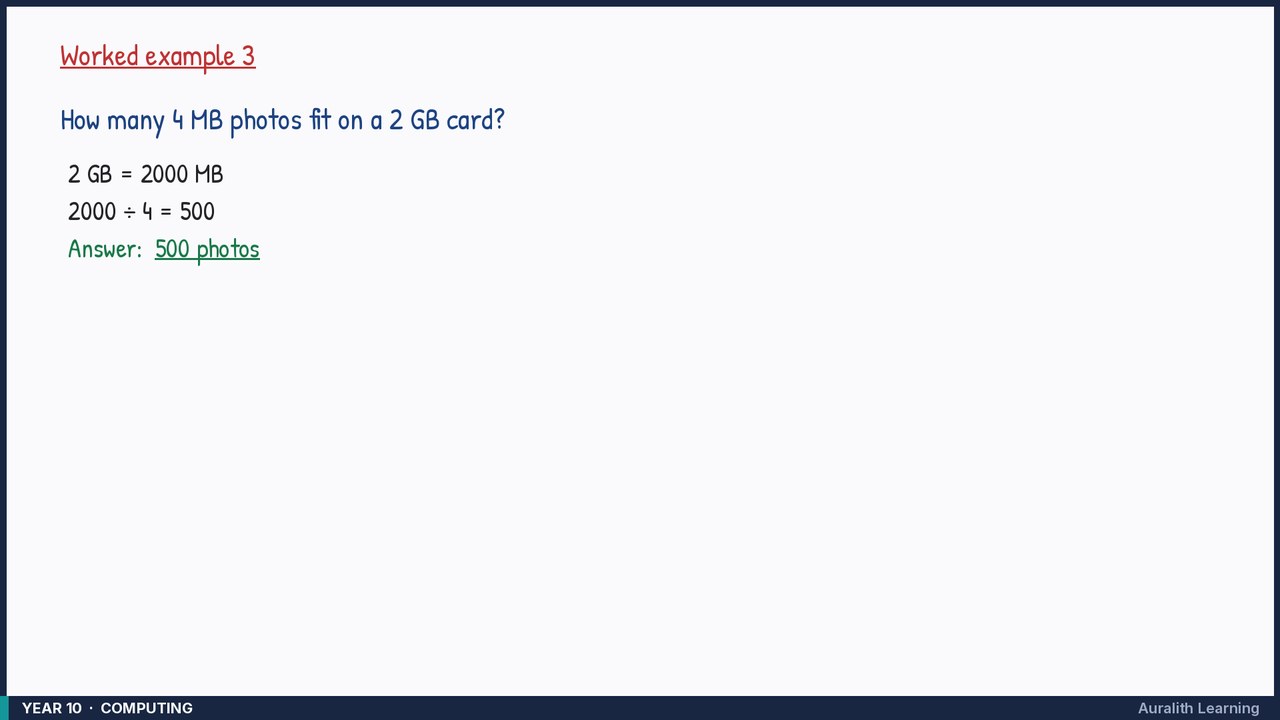
How many 4 MB photos fit on a 2 GB card?
- Step 1: 2 GB = 2000 MB
- Step 2: 2000 ÷ 4 = 500
Answer: 500 photos