Year 10 (ages 14–15, Grade 9 in the US) · Computing · GCSE theory · Lesson 16
Operating systems
What an operating system does: the user interface, memory management and multitasking, peripheral management and drivers, user management, and file management.
Exam boards: this lesson matches the AQA and Pearson Edexcel GCSE computing courses. Check which course your school follows.
8-minute video lesson
Teaching, worked examples and 20 practice questions solved step by step.
Watch free for a monthWhat your child will learn
- State the purpose of an operating system
- Describe memory management and multitasking
- Explain the role of drivers
- Describe user and file management
The method
- OS: manages hardware and runs software.
- Five functions: interface, memory, peripherals, users, files.
- For each: what it does, and an example.
- Link to the user's experience.
Key words: operating system, user interface, multitasking, device driver, file management.
Worked examples
Worked examples from the lesson, with every step.
Question 1
State two functions of an operating system.
- Step 1: Memory management.
- Step 2: User management.
Answer: memory management and user management (any two)
Question 2
What is a device driver?
- Step 1: Software that lets the OS talk to a device.
- Step 2: Each device works differently.
Answer: software that translates OS commands for a device
Question 3
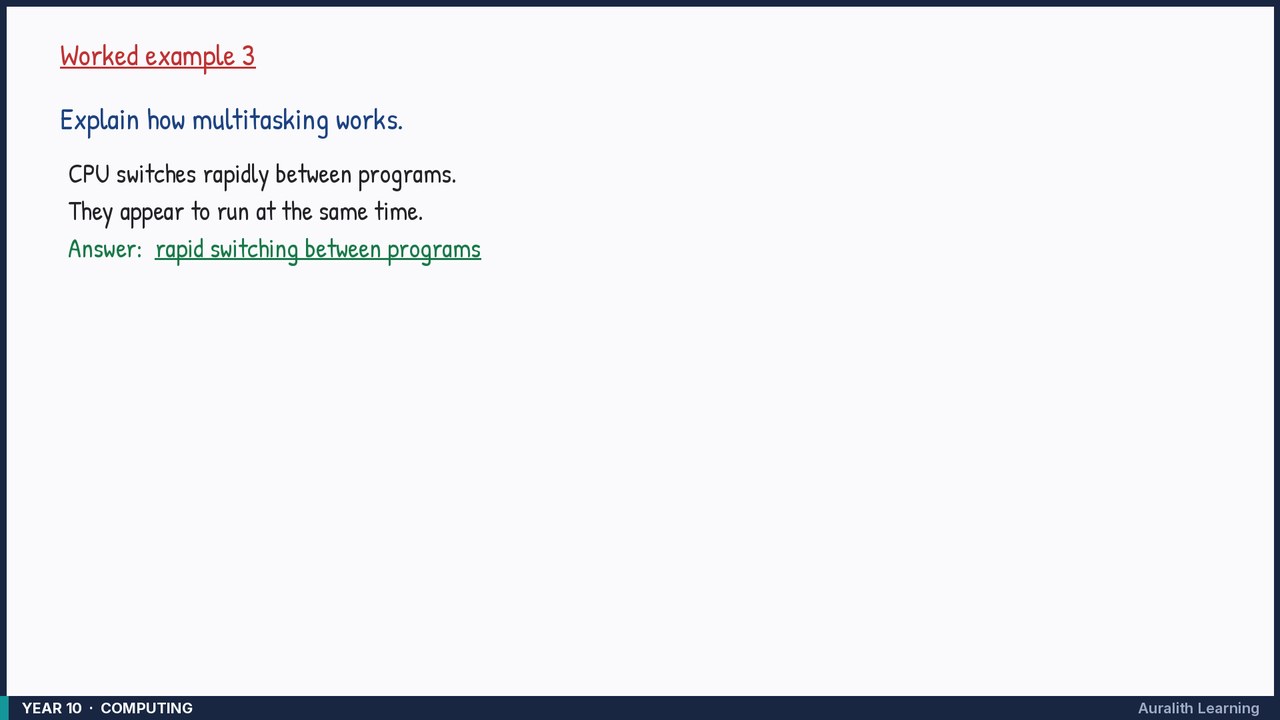
Explain how multitasking works.
- Step 1: CPU switches rapidly between programs.
- Step 2: They appear to run at the same time.
Answer: rapid switching between programs