Year 10 (ages 14–15, Grade 9 in the US) · Computing · GCSE theory · Lesson 9
Memory: RAM, ROM and virtual memory
The purpose of primary memory, the differences between RAM and ROM, why virtual memory is needed and how it works, and how adding RAM can improve performance.
Exam boards: this lesson matches the AQA and Pearson Edexcel GCSE computing courses. Check which course your school follows.
8-minute video lesson
Teaching, worked examples and 20 practice questions solved step by step.
Watch free for a monthWhat your child will learn
- Explain the need for primary memory
- Compare RAM and ROM
- Explain virtual memory
- Explain how more RAM affects performance
The method
- Primary memory: directly accessed by the CPU.
- RAM: volatile, read/write, holds programs in use.
- ROM: non-volatile, read-only, holds start-up instructions.
- Virtual memory: secondary storage used as extra RAM — slow.
Key words: primary storage, RAM, ROM, volatile, virtual memory.
Worked examples
Worked examples from the lesson, with every step.
Question 1
Why is RAM described as volatile?
- Step 1: Needs power to keep data.
- Step 2: Data lost when switched off.
Answer: it loses its contents without power
Question 2
Why are start-up instructions stored in ROM?
- Step 1: Must be there when the computer is switched on.
- Step 2: Non-volatile; can't be accidentally changed.
Answer: ROM keeps them without power
Question 3
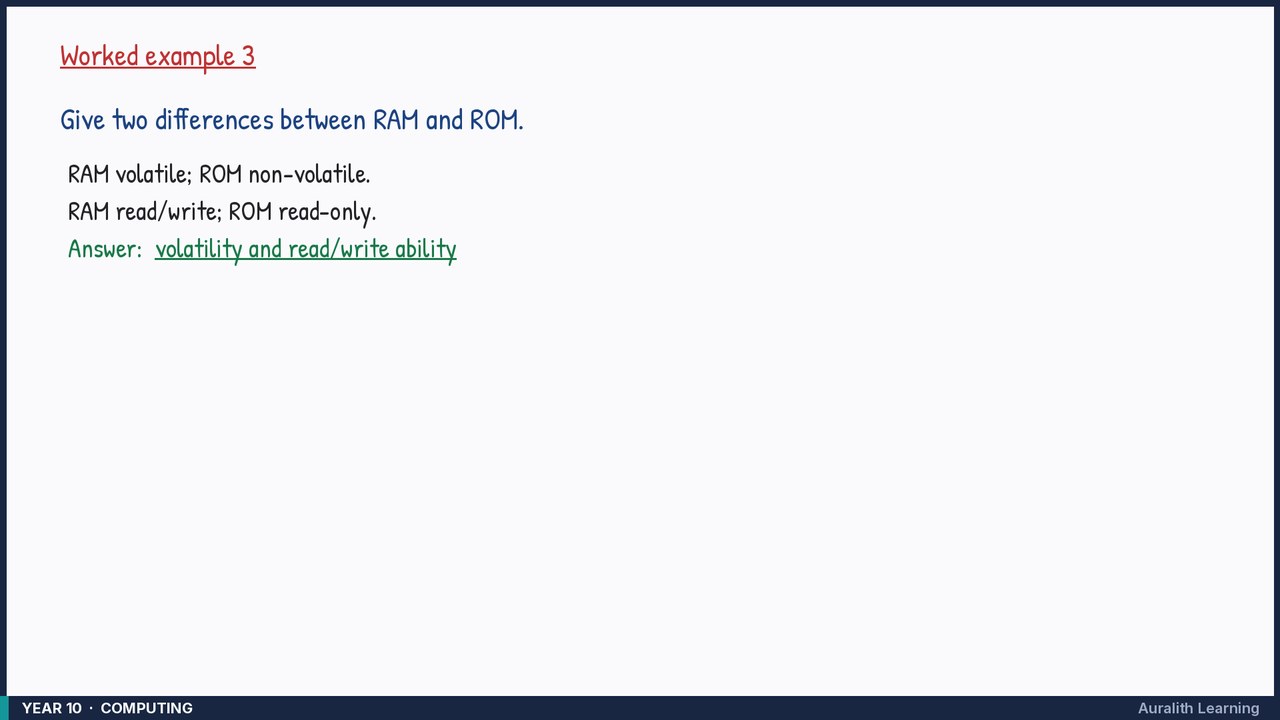
Give two differences between RAM and ROM.
- Step 1: RAM volatile; ROM non-volatile.
- Step 2: RAM read/write; ROM read-only.
Answer: volatility and read/write ability