Year 10 (ages 14–15, Grade 9 in the US) · Computing · GCSE theory · Lesson 5
Representing images and sound
How bitmap images are stored using pixels, colour depth, resolution and metadata, how sound is sampled using sample rate and bit depth, and how to calculate file sizes for both.
Exam boards: this lesson matches the AQA and Pearson Edexcel GCSE computing courses. Check which course your school follows.
8-minute video lesson
Teaching, worked examples and 20 practice questions solved step by step.
Watch free for a monthWhat your child will learn
- Explain pixels, resolution and colour depth
- Calculate image file size
- Explain sampling, sample rate and bit depth
- Calculate sound file size
The method
- Image size (bits) = width × height × colour depth.
- Sound size (bits) = sample rate × bit depth × seconds.
- Divide by 8 for bytes; then by 1000 for KB.
- Higher quality → larger file.
Key words: pixel, colour depth, resolution, sample rate, bit depth.
Worked examples
Worked examples from the lesson, with every step.
Question 1
How many colours with a 4-bit colour depth?
- Step 1: 2 to the power 4
- Step 2: 16 colours
Answer: 16
Question 2
Image 100 × 50 pixels, colour depth 8 bits. Size in bytes?
- Step 1: 100 × 50 × 8 = 40 000 bits
- Step 2: 40 000 ÷ 8 = 5000 bytes
Answer: 5000 bytes (5 KB)
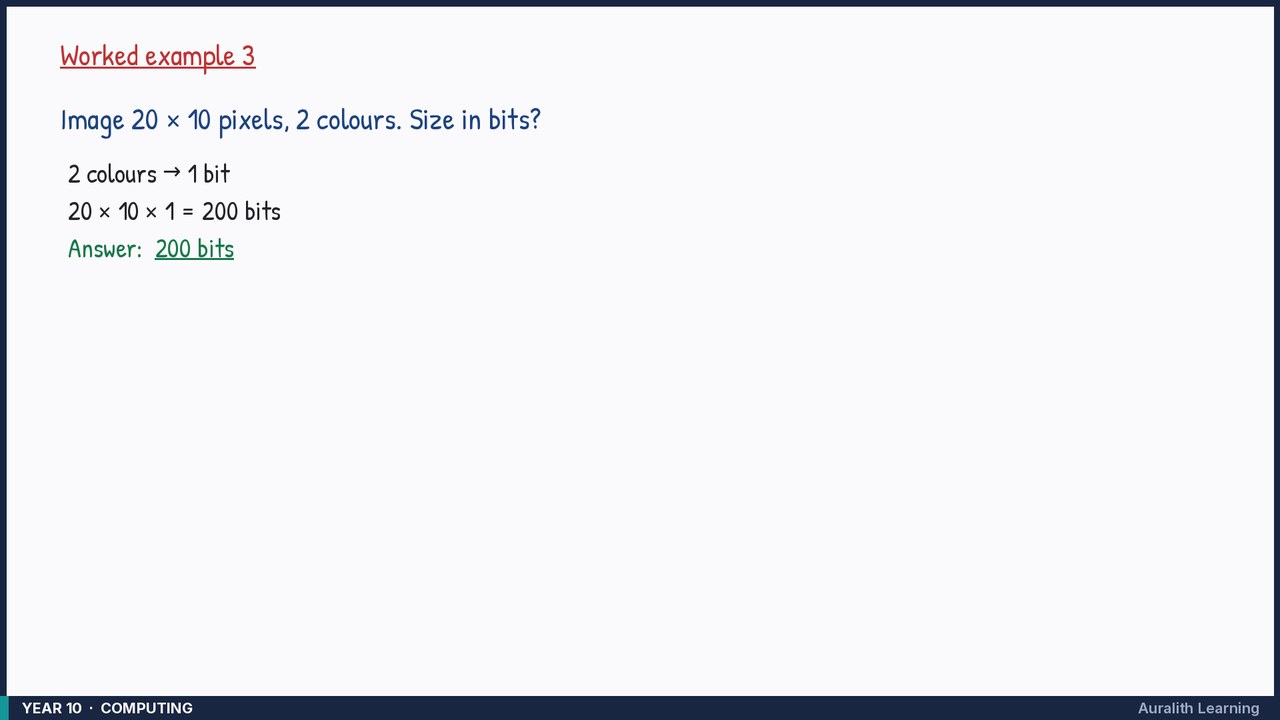
Question 3
Image 20 × 10 pixels, 2 colours. Size in bits?
- Step 1: 2 colours → 1 bit
- Step 2: 20 × 10 × 1 = 200 bits
Answer: 200 bits