Year 10 (ages 14–15, Grade 9 in the US) · Computing · GCSE programming · Lesson 1
Python basics: variables, input and output
Writing first Python programs: output with print, input from the user, variables and assignment, the four main data types (integer, float, string, Boolean), and good variable names.
Exam boards: this lesson matches the AQA and Pearson Edexcel GCSE computing courses. Check which course your school follows.
8-minute video lesson
Teaching, worked examples and 20 practice questions solved step by step.
Watch free for a monthWhat your child will learn
- Use print and input
- Create and update variables
- Identify the four data types
- Choose meaningful variable names
The method
- print() shows output on screen.
- input() gets text from the user — always a string.
- A variable stores a value: name = value.
- Data types: int, float, str, bool.
Key words: variable, assignment, integer, string, input.
Worked examples
Worked examples from the lesson, with every step.
Question 1
What does this program output? c:city = "Leeds" c:print("I live in", city)
- Step 1: city stores "Leeds"
- Step 2: Comma adds a space
Answer: I live in Leeds
Question 2
What is the final value of points? c:points = 5 c:points = points * 2 c:points = points + 1
- Step 1: 5 × 2 = 10
- Step 2: 10 + 1 = 11
Answer: 11
Question 3
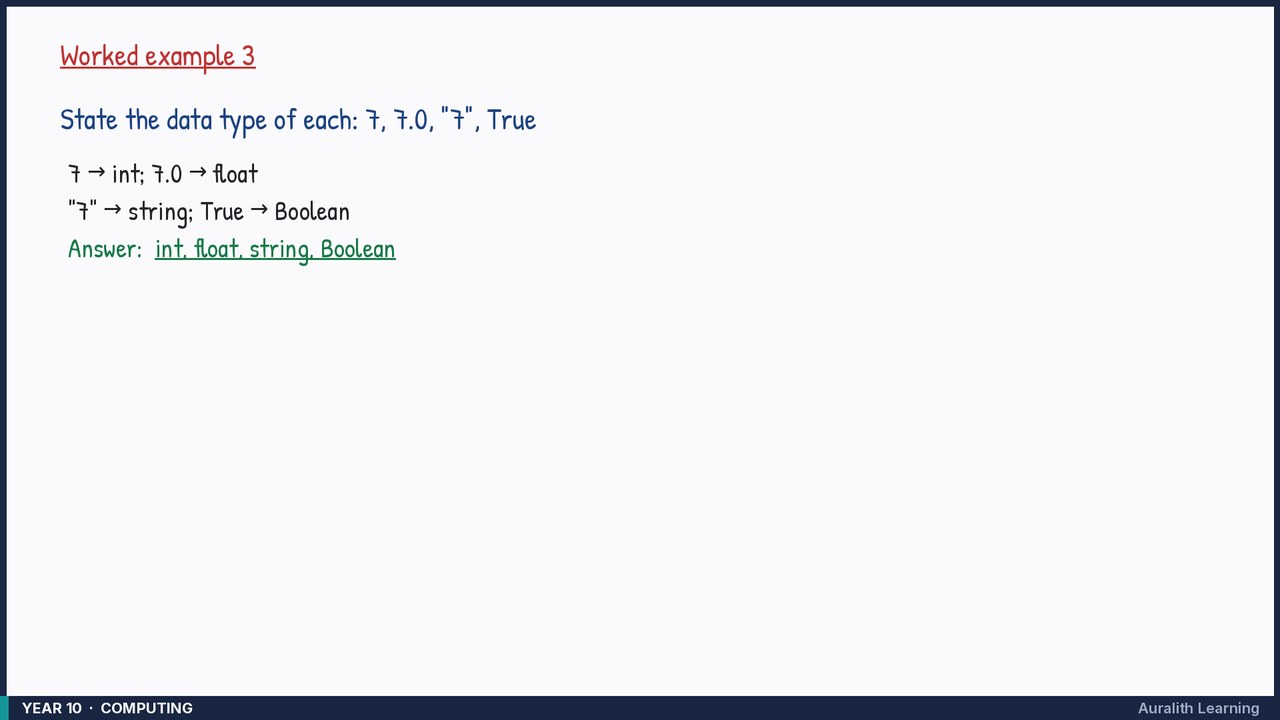
State the data type of each: 7, 7.0, "7", True
- Step 1: 7 → int; 7.0 → float
- Step 2: "7" → string; True → Boolean
Answer: int, float, string, Boolean