Year 10 (ages 14–15, Grade 9 in the US) · Computing · GCSE programming · Lesson 11
File handling
Reading from and writing to text files in Python: opening files in read, write and append modes, reading lines, writing lines with newline characters, closing files, and using with to close them automatically.
Exam boards: this lesson matches the Pearson Edexcel GCSE computing courses. Check which course your school follows.
8-minute video lesson
Teaching, worked examples and 20 practice questions solved step by step.
Watch free for a monthWhat your child will learn
- Open a file in the correct mode
- Read lines from a text file
- Write and append to a text file
- Explain why files must be closed
The method
- open(filename, mode): "r" read, "w" write, "a" append.
- "w" replaces the file; "a" adds to the end.
- Add \n to end each line you write.
- Use with … as f: so the file closes automatically.
Key words: file, read mode, write mode, append mode, newline.
Worked examples
Worked examples from the lesson, with every step.
Question 1
Which mode? Add a new high score without deleting the old ones.
- Step 1: Keep existing data; add to it.
- Step 2: "a" append
Answer: append ("a")
Question 2
A file contains "Ben,67". What does this output? c:parts = line.strip().split(",") c:print(parts[1])
- Step 1: ["Ben", "67"]
- Step 2: "67"
Answer: 67
Question 3
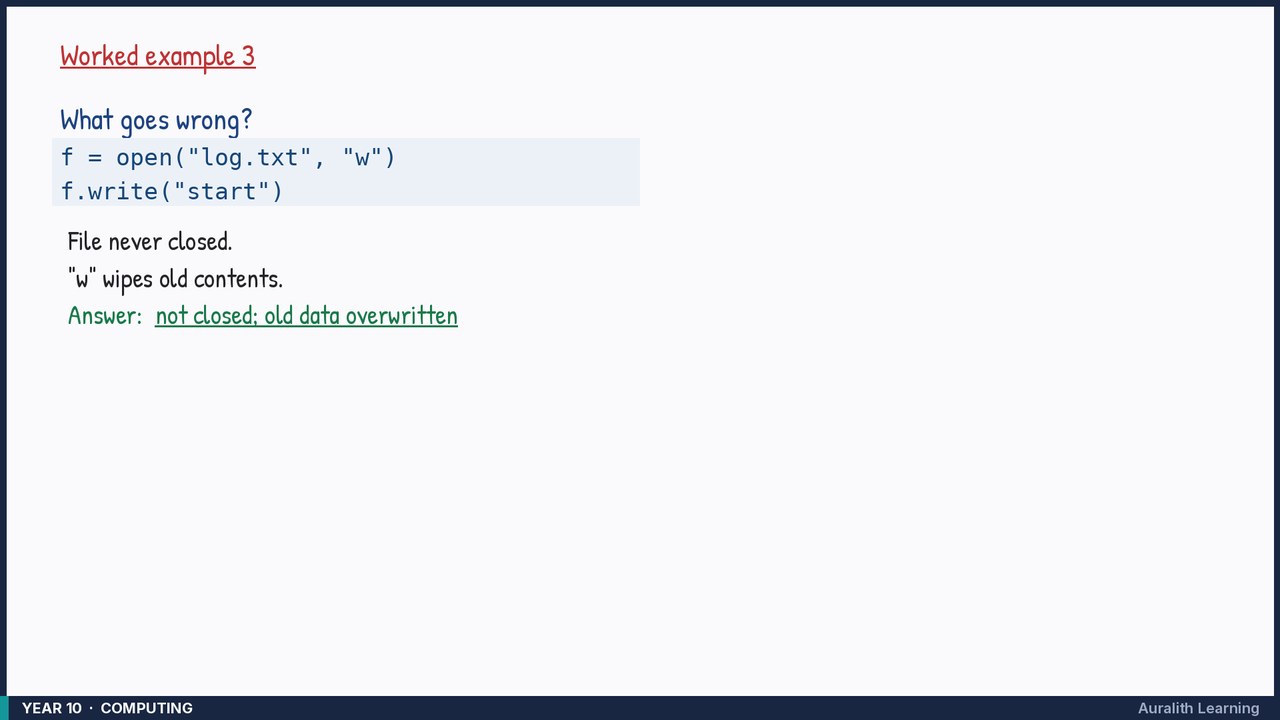
What goes wrong? c:f = open("log.txt", "w") c:f.write("start")
- Step 1: File never closed.
- Step 2: "w" wipes old contents.
Answer: not closed; old data overwritten