Year 10 (ages 14–15, Grade 9 in the US) · Computing · GCSE programming · Lesson 19
Databases and SQL
How databases store data in tables of records and fields, primary keys, and how to query a database with SQL using SELECT, FROM, WHERE, ORDER BY, AND, OR and wildcards.
Exam boards: this lesson matches the AQA and Pearson Edexcel GCSE computing courses. Check which course your school follows.
8-minute video lesson
Teaching, worked examples and 20 practice questions solved step by step.
Watch free for a monthWhat your child will learn
- Describe tables, records, fields and primary keys
- Write SELECT … FROM … WHERE queries
- Sort results with ORDER BY
- Use AND, OR and the * wildcard
The method
- Table = records (rows) and fields (columns).
- Primary key: unique for each record.
- SELECT fields FROM table WHERE condition.
- ORDER BY field ASC/DESC to sort.
Key words: database, record, field, primary key, SQL.
Worked examples
Worked examples from the lesson, with every step.
Question 1
Why can't Surname be the primary key?
- Step 1: Primary key must be unique.
- Step 2: Two students may share a surname.
Answer: surnames are not unique
Question 2
Write SQL to show the names of all Year 11 students.
- Step 1: c:SELECT FirstName, Surname FROM Students
- Step 2: c:WHERE Year = 11
Answer: SELECT FirstName, Surname FROM Students WHERE Year = 11
Question 3
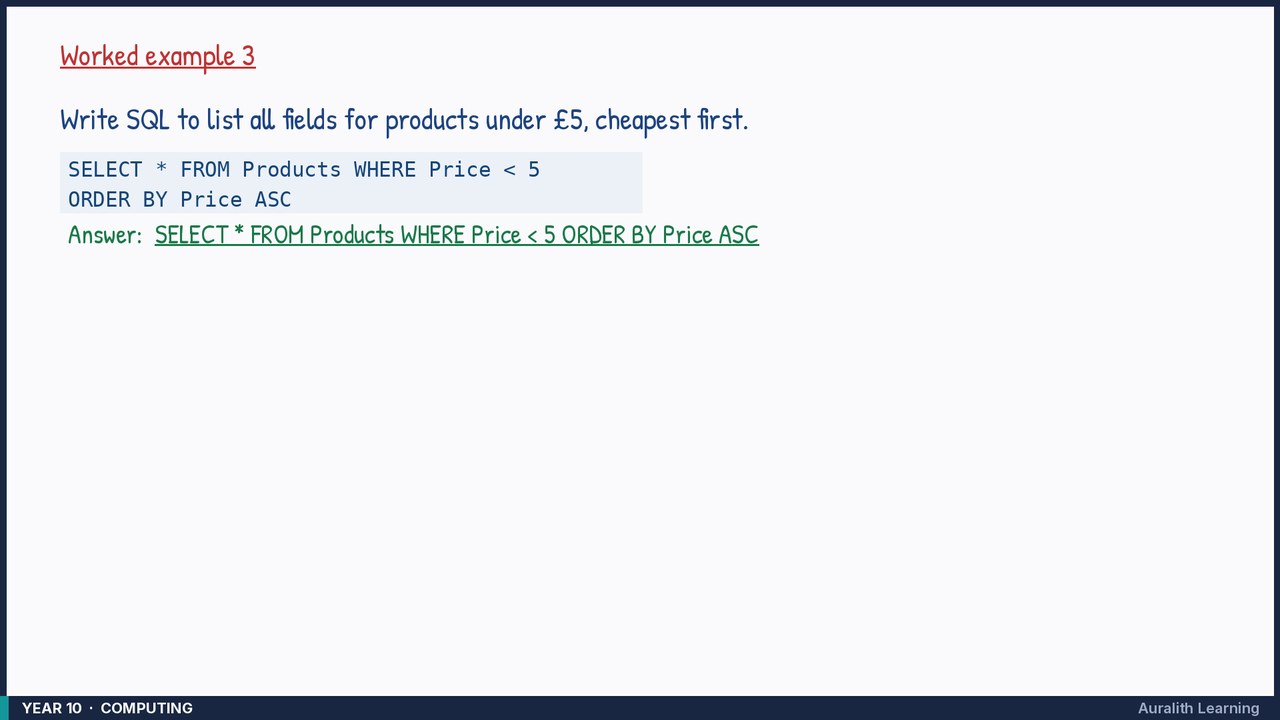
Write SQL to list all fields for products under £5, cheapest first.
- Step 1: c:SELECT * FROM Products WHERE Price < 5
- Step 2: c:ORDER BY Price ASC
Answer: SELECT * FROM Products WHERE Price < 5 ORDER BY Price ASC