Year 10 (ages 14–15, Grade 9 in the US) · English · Digital and multimodal texts · Lesson 2
Analysing websites
How websites inform and persuade: navigation, headings, images, hyperlinks and tone, analysed with an invented charity home page and an invented museum page.
8-minute video lesson
Teaching, worked examples and 20 practice questions solved step by step.
Watch free for a monthWhat your child will learn
- Identify a website's audience and purpose
- Analyse headings, navigation and layout
- Analyse tone and language
- Judge how reliable a website is
The method
- Audience and purpose first.
- Analyse layout: banner, headings, menus, buttons.
- Analyse language: tone, direct address, calls to action.
- Check reliability: who wrote it, when, and why.
Key words: navigation, hyperlink, call to action, tone, reliability.
Worked examples
Worked examples from the lesson, with every step.
Question 1
What is the purpose of the Green Paws home page?
- Step 1: ‘Donate now’ button.
- Step 2: To persuade people to give money.
Answer: to persuade visitors to donate
Question 2
Analyse the banner photo of the dog looking up.
- Step 1: Big eyes, looking at us.
- Step 2: Makes us feel responsible and sympathetic.
Answer: it creates sympathy and connects us to the cause
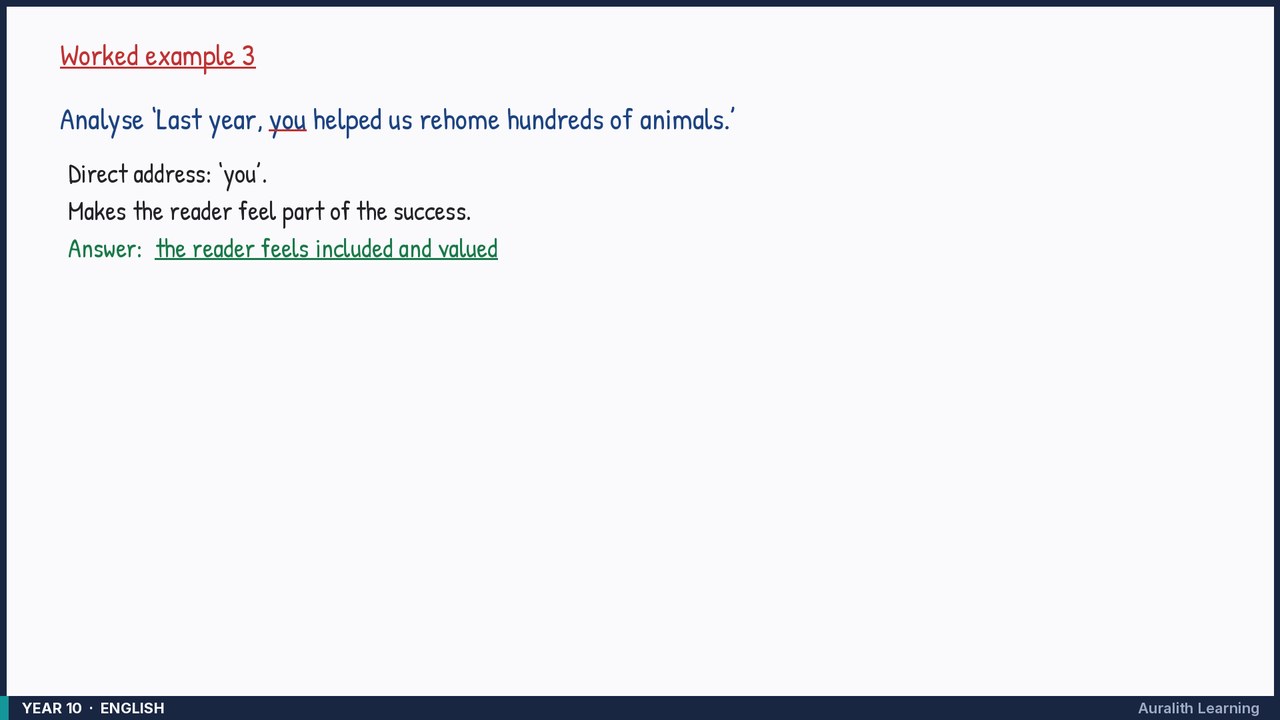
Question 3
Analyse ‘Last year, you helped us rehome hundreds of animals.’
- Step 1: Direct address: ‘you’.
- Step 2: Makes the reader feel part of the success.
Answer: the reader feels included and valued