Year 9 (ages 13–14, Grade 8 in the US) · Computing · Cyber security · Lesson 2
Protecting yourself and systems
Creating strong passwords and why length matters, two-factor authentication, and protections such as firewalls, antivirus, updates, backups, encryption and access levels.
Exam boards: this lesson matches the AQA and Pearson Edexcel GCSE computing courses. Check which course your school follows.
16-minute video lesson
Teaching, worked examples and 20 practice questions solved step by step.
Watch free for a monthWhat your child will learn
- Create strong passwords
- Calculate password combinations
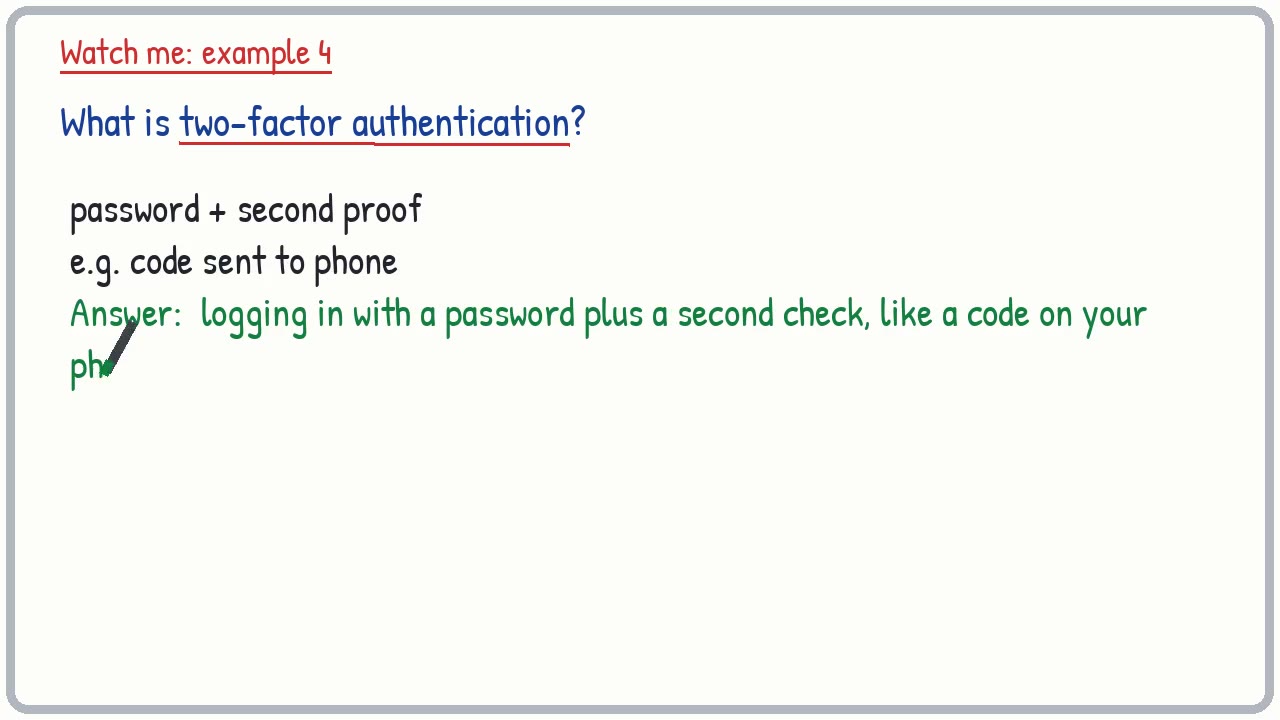
- Explain 2FA
- Describe system protections
The method
- Name the protection.
- Say what it does.
- Link it to a threat it stops.
- Passwords: length, mix, unique, 2FA.
Key words: password, two-factor authentication, firewall, antivirus, encryption, backup.
Worked examples
Worked examples from the lesson, with every step.
Question 1
How many combinations does a 2-digit code have (0-9)?
- Step 1: 10 × 10
Answer: 100
Question 2
How many combinations does a 5-digit code have?
- Step 1: 10 to the power 5
Answer: 100,000
Question 3
A lock uses 3 letters (A-Z). How many combinations?
- Step 1: 26 × 26 × 26
Answer: 17,576